
Live demo
demo.whelkmail.eu is a static, backend-free preview of the real UI. Every API call is answered by an in-memory mock with fake accounts and messages, so nothing is sent and no real mailbox is touched.
Self-hosted webmail · Cloudflare-native
WhelkMail turns the IMAP and SMTP accounts you already own into a fast, familiar inbox. No mail server to run, no third-party inbox in the middle, no lock-in.
Try before you deploy
Two quick ways to see WhelkMail in action, or to put it on your own Cloudflare account without following the full deployment guide.
demo.whelkmail.eu is a static, backend-free preview of the real UI. Every API call is answered by an in-memory mock with fake accounts and messages, so nothing is sent and no real mailbox is touched.
The WhelkMail Installer creates the Pages project and the D1 database in your Cloudflare account, stores the required secrets, deploys the app and checks the health endpoint. Run it from GitHub Actions in the browser, or with one terminal command.
Prefer to control every step? The documentation walks through the Pages project, D1 bindings, secrets, OAuth apps, R2 archive and the optional cron worker by hand. The installer is a convenience on top of the same resources.
Everything you need
Gmail-style organization on top of the accounts you already use, with the flexibility of a self-hosted tool.
Gmail, Outlook, iCloud, Fastmail, Yahoo and custom domains side by side, with colored account labels and a shared address book.
Create labels shared across accounts, apply them manually or automatically, and forward matching mail with the original EML attached.
Folder lists open from a local D1 mirror while a resumable background sync keeps metadata and read state current. The optional cron worker extends this to background notifications.
Recent bodies are cached briefly so opening a message does not wait for IMAP. Keep bodies on your provider or archive them to Cloudflare R2 or Google Drive.
HTML email is rendered in a sandboxed frame with scripts disabled. Remote images and tracking pixels stay blocked until you enable them for a message.
Select one or many messages to delete, move between Inbox, Spam and Trash, or mark as spam. A dedicated Spam folder is included.
Relay accounts for domains without SMTP, with SMTP2GO, Resend, Mailgun, Brevo, SendGrid, Mailjet, Postmark and Cloudflare Email Service support (experimental). Reply from any address on the relay's domain without an account per address.
A shared address book with CSV import/export and autocomplete, plus one shared signature or a different signature per account.
A look inside
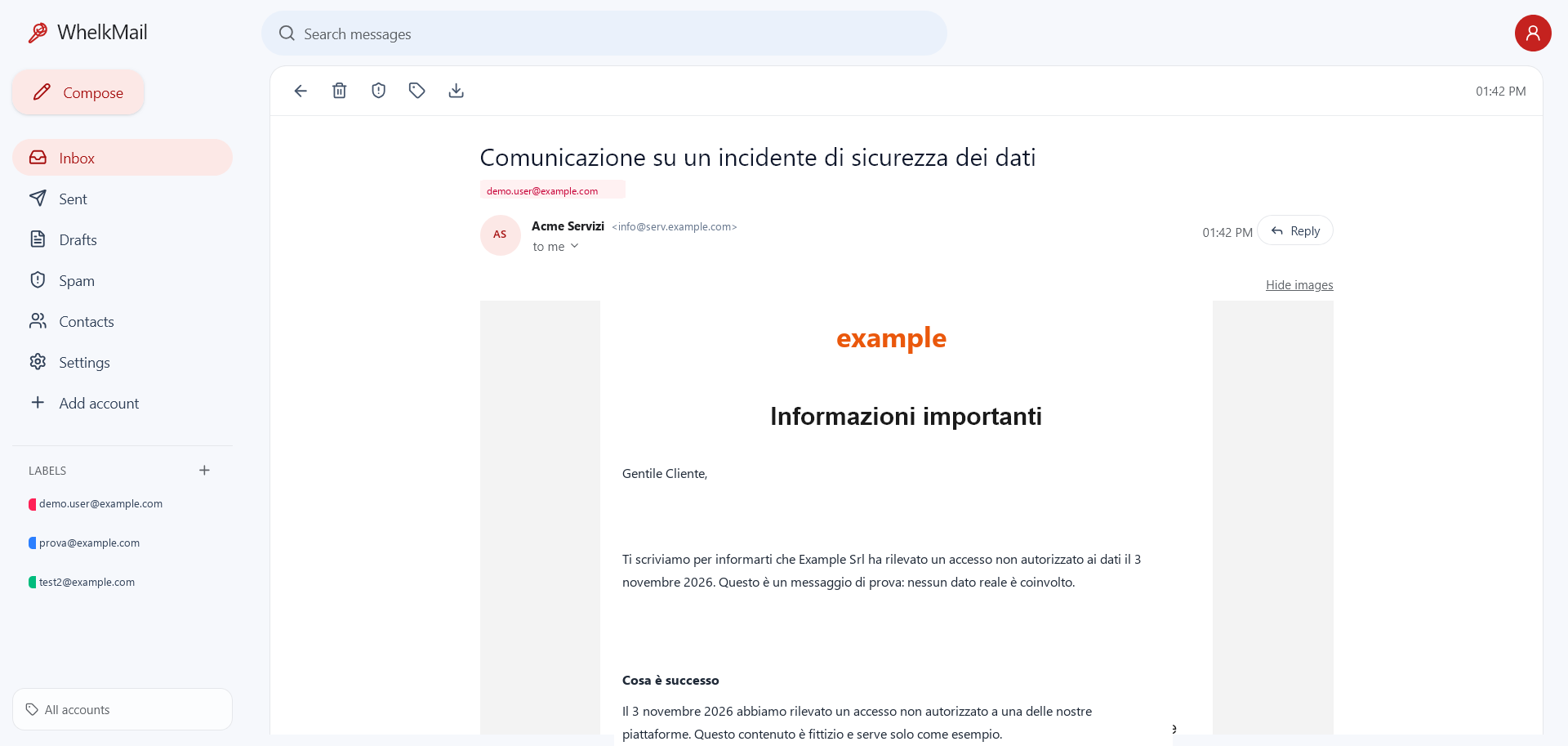
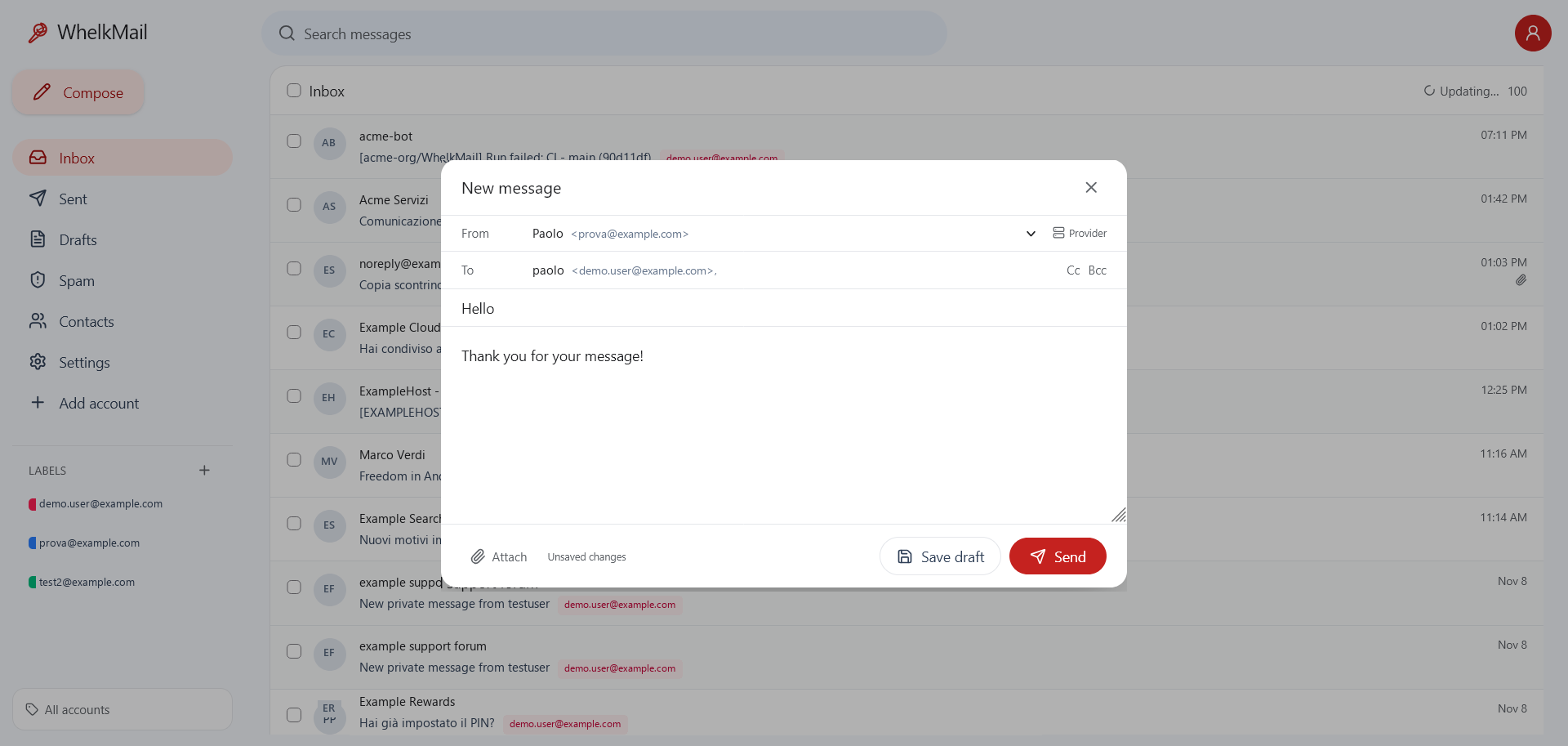
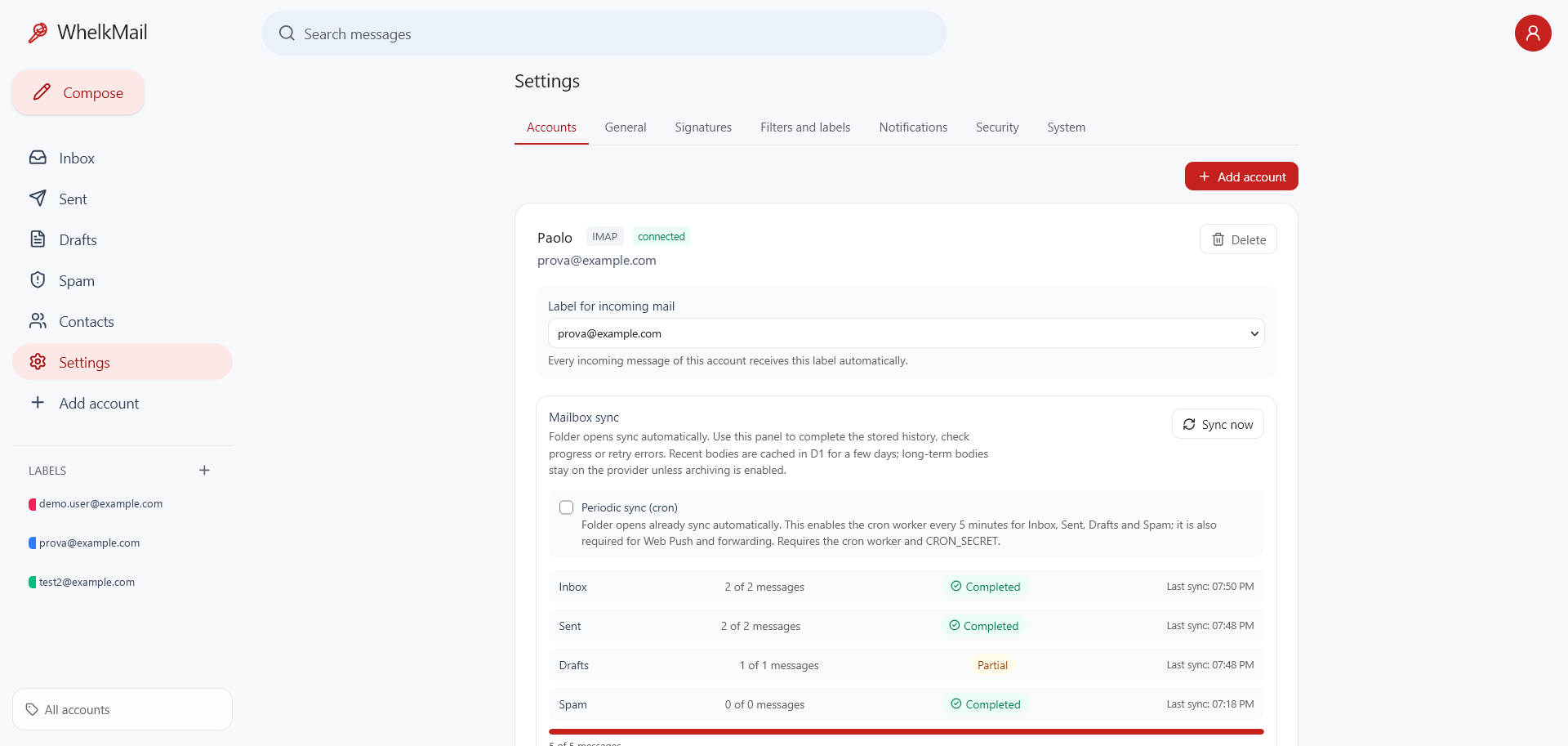
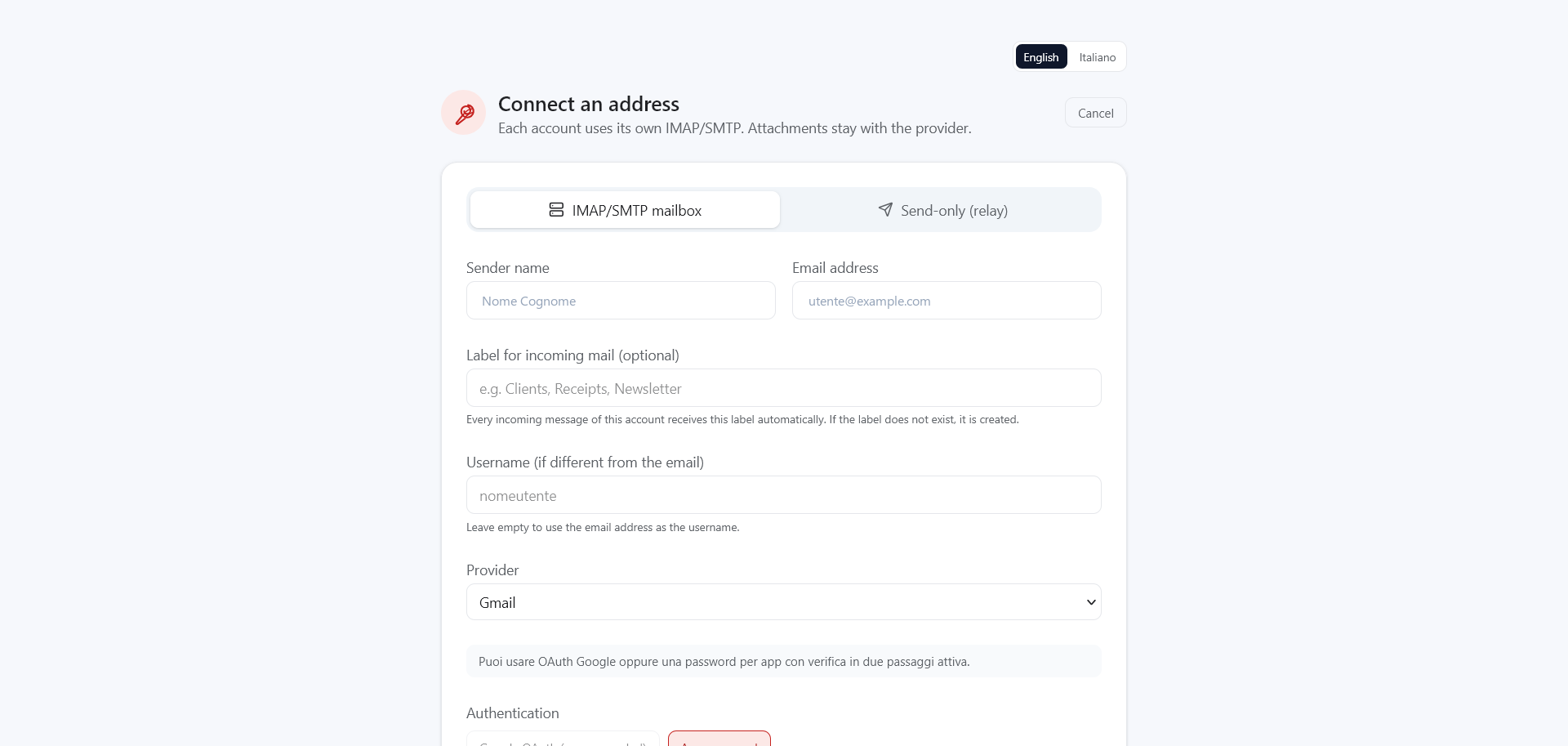
A familiar Gmail-style interface on top of the accounts you already own. Every screenshot below is a functional part of WhelkMail.
Privacy by default
WhelkMail reads from your provider. HTML is rendered in a sandboxed frame with scripts and forms disabled; remote images and tracking pixels stay blocked until you enable them for a message. A short-lived D1 cache keeps recent bodies for fast opens, and long-term archiving remains opt-in.
You keep using the providers you already trust. WhelkMail is the client.
No analytics, no third-party inbox, no data broker in the loop.
MIT licensed. Inspect it, fork it, self-host it on your own Cloudflare account.
Runs on Cloudflare
Pages Functions, D1 and cloudflare:sockets. No VPS, no containers,
no mail server to patch.
Add Gmail, Outlook, iCloud, Yahoo or any IMAP/SMTP account. Credentials stay encrypted in your own D1 database.
Run the installer (beta) to create the Pages project, the D1 database and the secrets automatically, or follow the guide and do it by hand.
Folder opens already sync automatically. Deploy the cron worker for periodic sync, new-mail notifications, forwarding and provider cleanup.
git clone https://github.com/WhelkMail/WhelkMail.git
cd WhelkMail
npm install
cp wrangler.toml.example wrangler.toml
npm run db:local
Fast path (beta): npx github:WhelkMail/installer provisions your Cloudflare
resources and deploys the app for you. Or see the
documentation
for bindings, secrets and OAuth setup.
Take your inbox back